Equation Pad › Library › IS 456 › Columns
Column under axial load and biaxial bending
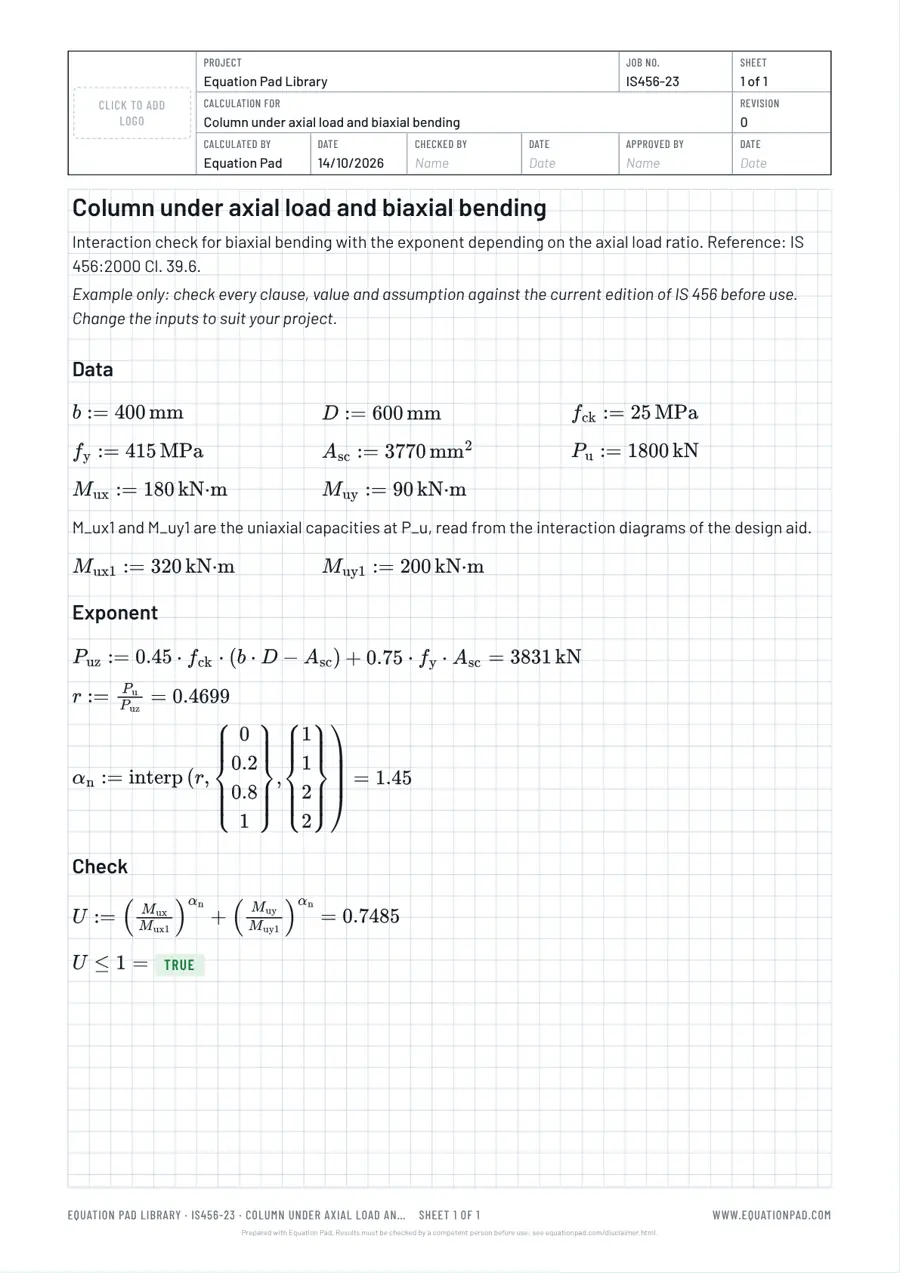
Interaction check for biaxial bending with the exponent depending on the axial load ratio. Reference: IS 456:2000 Cl. 39.6.
Open this sheet in Equation Pad Browse the Library
Example only. This sheet shows one way to set out the check. It is not endorsed by the bodies that publish the design codes and does not reproduce them. Check every clause, value and assumption against your own copy of the current edition of IS 456 before you use it, and have the result checked by a competent person. See the disclaimer.
The calculation, line by line
Every line below is typed into Equation Pad exactly as shown; the app typesets it, works out the value with its units and shows checks as TRUE or FALSE. Change any input and everything below it updates.
# Data
b := 400 mm
D := 600 mm
f_ck := 25 MPa
f_y := 415 MPa
A_sc := 3770 mm^2
P_u := 1800 kN
M_ux := 180 kN*m
M_uy := 90 kN*m
# M_ux1 and M_uy1 are the uniaxial capacities at P_u, read from the interaction diagrams of the design aid.
M_ux1 := 320 kN*m
M_uy1 := 200 kN*m

# Exponent
P_uz := 0.45*f_ck*(b*D - A_sc) + 0.75*f_y*A_sc = kN
r := P_u/P_uz =
alpha_n := interp(r, [0, 0.2, 0.8, 1], [1, 1, 2, 2]) =

# Check
U := (M_ux/M_ux1)^alpha_n + (M_uy/M_uy1)^alpha_n =
U <= 1 =
How to use this example
- Click Open this sheet in Equation Pad. It opens as a new worksheet in your browser; nothing is installed.
- Change the inputs at the top to those of your project.
- Check the clauses and coefficients against the code, add your own checks, and save the sheet or export a PDF with your title block.
More IS 456 sheets on columns
- Short column under axial load
- Minimum eccentricity and design moment of a column
- Slender column: additional moments
- Lateral ties of a column
- Helically reinforced circular column
- Load on an interior column